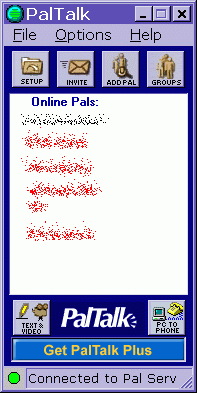
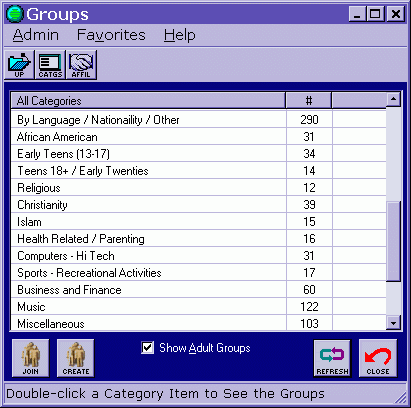
| I did remove it from start up after install. there are however several pop up ads that will come up. so give it a second. once the ads are finished, look at paltalk and you will see friends online ( if you have added some :)) a word of caution here.... when you fill out the profile section , it asks for everything! ( gender, weight, height, sexual preference! ) pic wont upload for me tho, despite meeting all requirements. leave the info blank unless your chatting to find a date is our suggestion no buddies on paltalk yet? click groups to see the 'rooms' list- you have the option of joining a room already up ~ (you need to click show adult groups to see those rooms ~ but it doesn't add that many more )
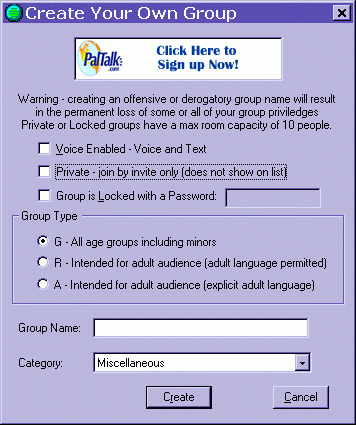
don't like any of the rooms you see? or want a private room for your friends or family?- just click the create button and make one
- then invite your friends/ family to join you
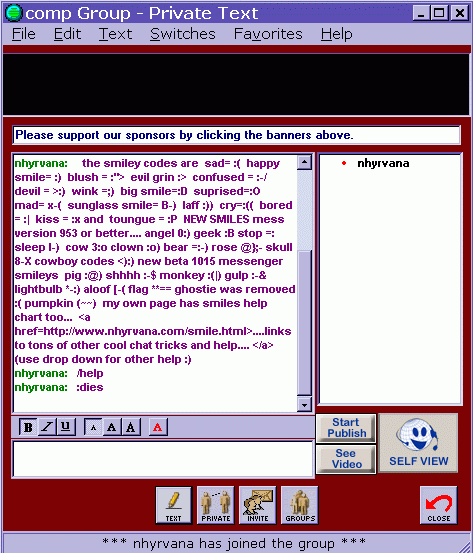
- smileys don't work here.... nor are there any /commands or emotes.
you can easily use a macro tool like quickphrase or populist here.... but long ones wont post and urls are not click able - you can select a font color (limited) and bold/ italic/ underline ~ and change to one of three sizes.
- you can click on switches and add a time stamp, or opt to keep it always on top
- clicking file gives the option to save the transcript for later
|