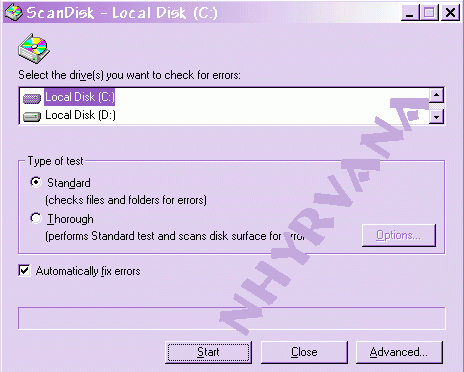
How to scan disc on XP?
go to
MY computer icon, click it. RIGHT click and select properties on the drive
to scan.....click on TOOLS tab, and click check now under error checking.
you will need to restart comp.
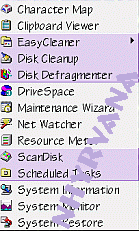
Scan disc disk -what that heck is that? and what does it do? scan disk is your computers way of looks for physical errors on your hard disc. a friend once told me ~ think of your disc this way- (thanks deepthawt for the comparison)
The hard disk of your computer, has a head like a cassette player, it floats on a cushion of air between the head and the disk, if it bumped or shut down unexpectedly, the heads bounce and make contact to the surface of the disc, causing damage and/ or data loss. and it can often "scratch in the surface". the data/ information within this scratch/space to become damaged or unreadable. Heavy usage can also cause this damage. Most comps will automatically scan if you shut down unexpectedly or incorrectly.
Where is scan disk in winxp?
WinXp has the error checking feature of win2k..
Open Windows Explorer.Right click the drive you want to check, and select Properties from the menu.
Select the Tools tab.
Under Error Checking, click Check Now.
If you want the scan to automatically attempt to make repairs or check the disk for bad sectors, select those options and click Start.
Close Windows Explorer.
Get a message about something still writing to disc so scan disc has restarted 10 times? try a program like
ENDITALL to close all running programs before you scan disc.
when done ... time to defrag :)