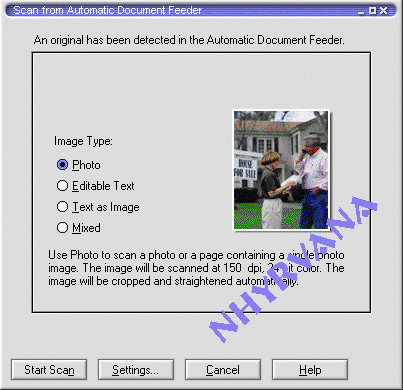
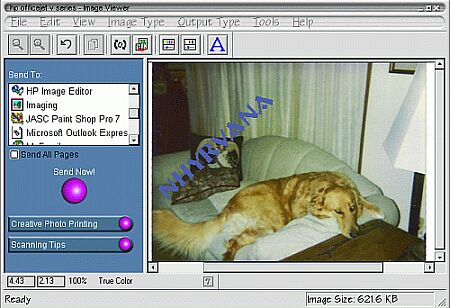
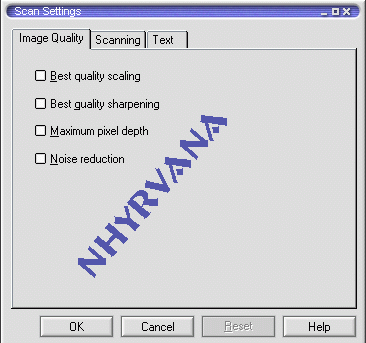
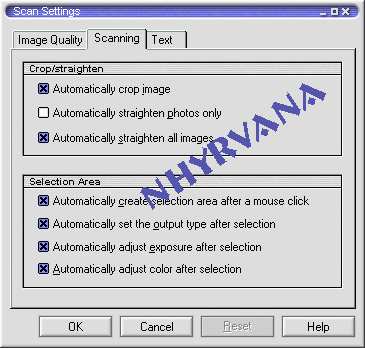
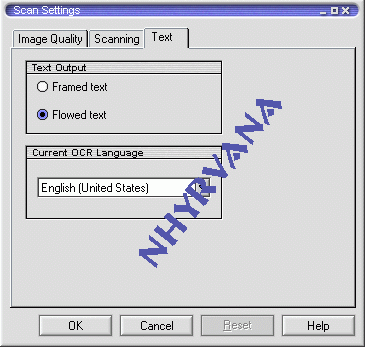
what kind of scanner are you using?
is it a flat bed? ( has a glass plate with the scanning mechanism underneath. a real desk space hog. or a feed scanner? less space but limited in what you can scan.
the most important part about scanning is the FORMAT YOU SAVE IN!!!!!
there are several options> for WebPages... select jpg or gif. these are also best for mailing
JPEG /jpg
(Joint Photographic Experts Group)
Compresses image files down to 10-100K or less. Can be used on Web pages.
GIF
(Graphic Interchange Format)
Compresses image files down to 5-50K, and is ideal for line drawing and simple graphics, graphics with transparent background. Can be used for Web pages.
BMP
(bitmap)
not a good idea for images to send or post on WebPages, these files can be huge! this is often the default file format in windows and cam programs.
TIFF
(Tagged Image File Format)
Generally retains high resolution of an image and is a large file, anywhere from 100K to 10 MB. Used in printed materials, but can't be used on Web pages.
if your software will only save as bmp or tiff, you can sometimes send it to MS paint to convert
to jpg or gif ( not all computers paint will do that tho) or use ifran to convert, crop, etc.
just because your scanner says it is 4800dpi capable, doesn't mean you computer is. a scanned image is stored in the ram and if you transfer to another program, ram is used twice. make sure you are not scanning too large. and do take time to save the images. then go back and work on edits etc after closing scanner program. otherwise you will encounter mem errors . thankies So-Belle for this tip
translation? scan the same size as the picture. there is not enuf ram on your computer or any reason to scan a 4x6 photo to 2800 by 3600 pixels.