yes you need to know how to do this! check bottom section if you need more picture help ...
you don't need a big download or pay for some software to do screen captures! i have seen sites that recommend downloading psp just for screen caps.. that's 28.2 MB! now psp is a nice program ~ but why just for caps!
you can take a screen capture quickly and easily with windows and ms paint.as you can see from these pages, i use screen captures a lot. you can also use it to share your desktop picture or if you are unable to save a transcript on an instant message, a screen capture is a back up. how to do it~ when the images you want to capture are on screen, just hit the print screen key on your keyboard.
this will place the image in the clipboard, next, open M$ paint, and select paste. then just save the image:)
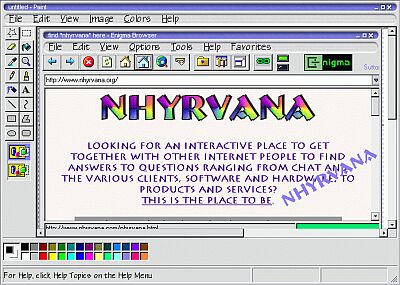
now some versions of paint will only save as a .bmp file
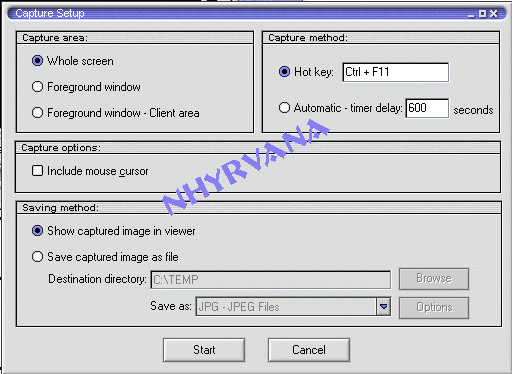
if you need a different format, or don't mind a small download to help with captures, try irfan viewer. there are dozens of screen capture programs. i prefer irfan for its versatility ~ it does more than one job, and does all of them well. ifran is great because you can edit colors or crop out compromising
information.... or information you do not want others to see.
(if you are doing software reviews or client reviews, you
can edit out names/passwords/ip etc. ) and you can set it to capture and just use the hotkey when needed . you will need to use a program like paint to add things though |