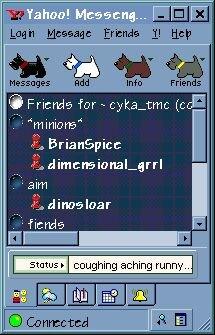
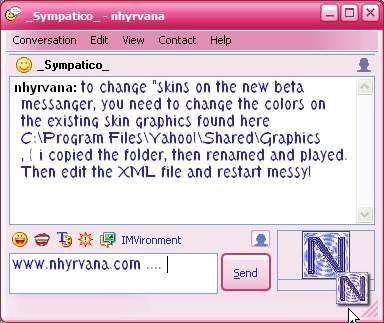
First> if you downloaded a skin off the net, you need to right click your desktop> click new> click folder> and name the folder with new skins name..... then unzip the new skin into that folder.........
then click your 'my comp' icon...then c drive...then program files....then yahoo...then 'mess'enger.....then skin....and then just drag the new skin folder into the skin file...... then next load 'mess'enger. it will show on the skin list.
cant find that skin you downloaded? try looking in c my downloaded files ..... not there? try clicking start> find> file> type in .zip and search.... check the file names and dates.....and you should find that file......
stiiillllllll cant find it? go back to the page you downloaded from....and hover your mouse over the file link....the name should appear either in a pop up/screen tip.....or should appear in the bottom status bar on your browser :)